On day two of using Claude Code, I had a problem I didn't plan for.
My Mac update — the one I had to run just to install Claude Code — had dumped 3,130 files onto my desktop. Eight years of work, photos, client folders, and things I didn't recognize anymore. All of it, loose.
I could have avoided it. I solved it instead.
In under 10 minutes, Claude Code sorted all 3,130 files into a clean labeled structure — without me writing a single line of code. That's when I understood what this tool actually is.
This post explains what Claude Code is, how to get it, whether it's safe to use, and what it actually feels like to use it for the first time. If you've never opened a terminal in your life, this was written for you.
What Is Claude Code — In Plain English?
Before I tell you what it does, let me tell you what it actually is. Because nobody explains this part correctly.
Claude Code is a tool made by Anthropic — the company behind the Claude AI assistant. It runs directly on your computer. You open a window called a terminal (it looks like a plain black screen with a blinking cursor), and you type instructions the same way you'd type a message to a colleague.
That's it.
There is no app interface. No buttons. No menu to click through. Just you, a blank line, and the ability to tell it exactly what you need.
It sounds intimidating. It is not.
Here's the distinction that matters: most AI tools give you answers. Claude Code gives you results.
ChatGPT, Claude chat, custom GPTs — these are conversation tools. You ask, they respond. You read the answer. You decide what to do with it. You do the work.
Claude Code does the work.
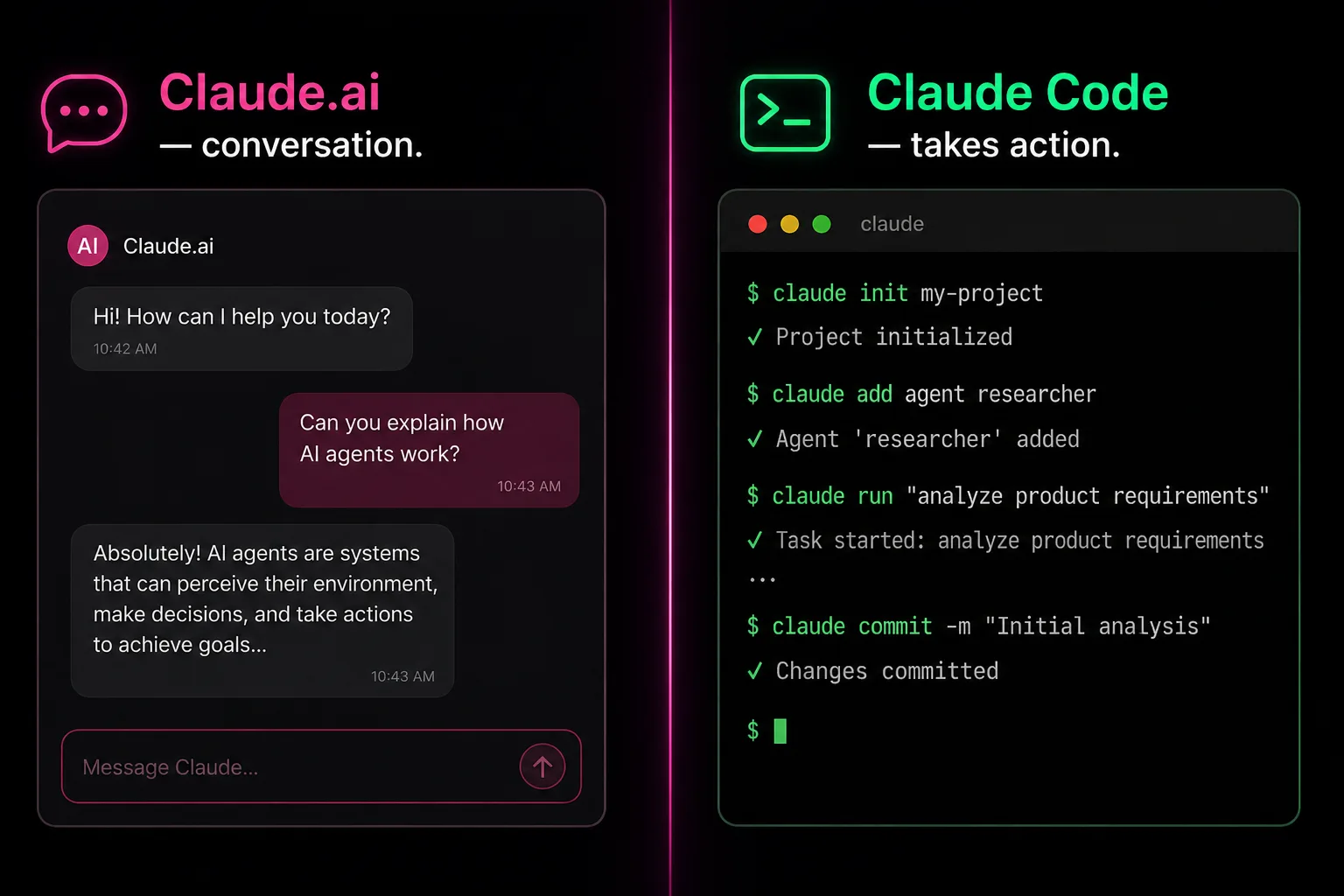
It can see your files. It can read your documents. It understands images and text. And it can take real action directly on your computer — move things, rename them, sort them, create folders, build systems. It operates inside your actual file system, not a chat window.
Most AI gives you answers. Claude Code gives you results.
That distinction is everything.
How Do You Get Claude Code? Three Steps.
You do not need a developer. You do not need to understand what a terminal is. Here's how to start:
- Go to claude.ai/code
- Sign in with your Anthropic account — or create one. It takes two minutes.
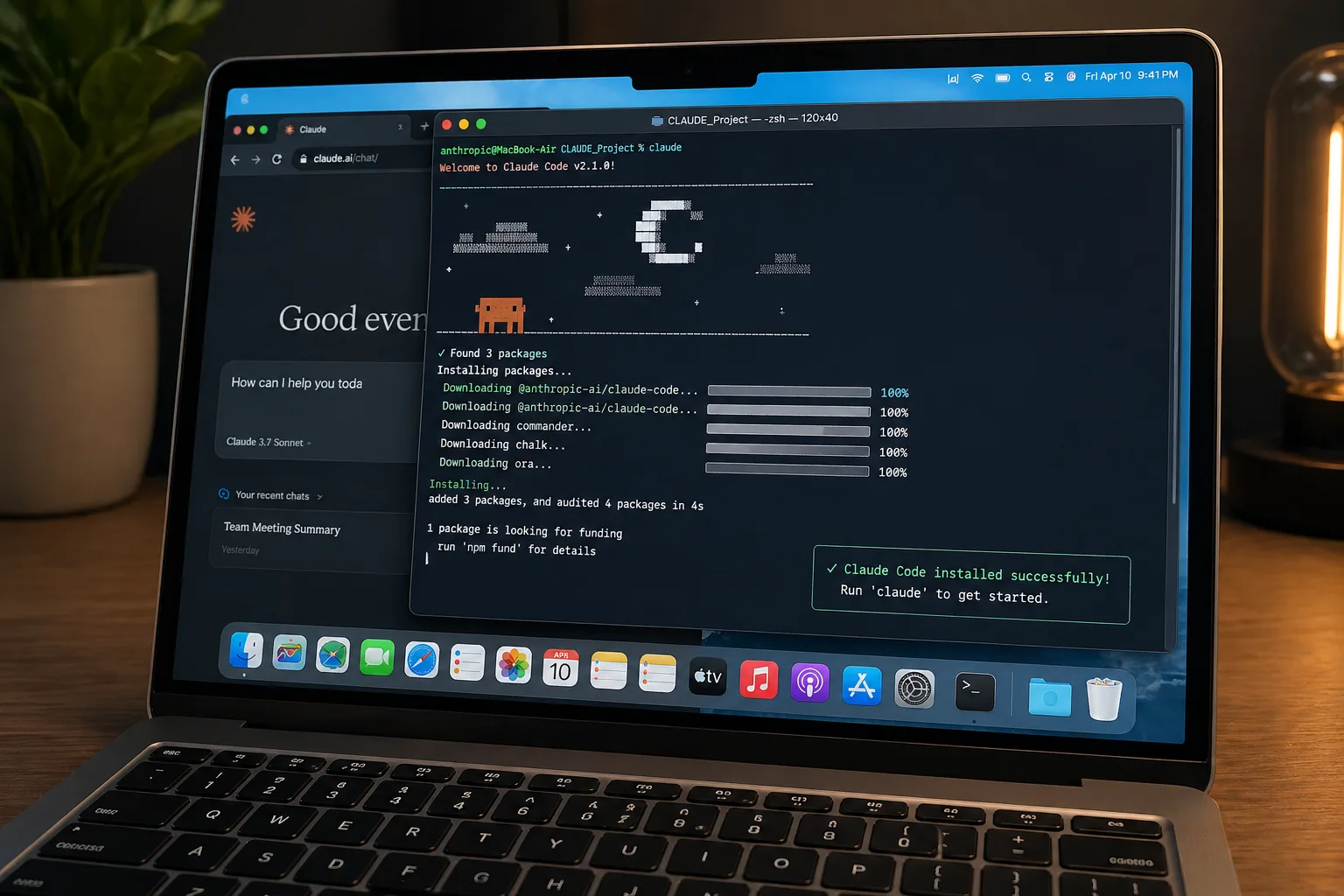
- Follow the install instructions for Mac or Windows. It walks you through every step.
By the time the install is done, you just need to know what problem you want to solve.
Is Claude Code Safe? Here's the Honest Answer.
I'm going to be straight with you about this, because most articles skip it entirely.
Claude Code has access to your computer. That is the whole point — and it is also the thing you need to think about before you use it.
Here's what that actually means:
What it can access: The files and folders on your computer — specifically the ones you point it toward. It can read them, move them, rename them, and create new ones. That is how it sorted 3,130 files in under 10 minutes.
What it cannot do: It cannot access your bank accounts, your passwords stored in a password manager, or your email unless you explicitly connect those things. It does not go looking for sensitive information. It works on what you give it.
What Anthropic built in: Claude Code runs with a permission system. Before it takes any action that could change something, it tells you what it's about to do and waits for you to say yes. You are always in the loop. You are never watching it run without knowing what it's doing.
The honest part: The risk is not the tool. The risk is being careless with it — pointing it at a folder containing contracts, passwords, or sensitive client data without thinking first. The same way you wouldn't hand a new assistant your entire filing cabinet on day one, you don't need to give Claude Code access to everything at once.
My practice: I work in a dedicated project folder. My sensitive files live somewhere else. Claude Code stays in its lane.
I made a calculated decision to use it. I knew the access it required. I understood what I was agreeing to. That's not reckless — that's informed.
This Is a Different Kind of Relationship
Using Claude Code is not the same as using ChatGPT or Claude chat. I want to be clear about this, because I've used both — a lot. 15+ custom ChatGPTs — including training my entire team under a recorded NDA and generating 985,000 conversations with a single Meta AI avatar in 90 days. Hundreds of hours in AI chat. The way you engage with Claude Code is completely different, and if you treat it like a chat window, you will miss the point.
In a chat, you ask a question, it answers. You read the answer. You move on.
Claude Code is not that.
Claude Code asks you questions back. It will tell you what it's about to do and ask if you want to proceed. It will flag things it's uncertain about. It will stop and wait for you. Every time it does that — you have to read every word. Not skim. Read. Because it is about to take a real action on your real computer, and you are the one who says yes.
That changes everything about how you show up.
You are building trust with a new tool. And the only way to trust it is to understand it. Not all of it — you don't need to understand the code. But you need to understand what it is asking you, what it is telling you, and why.
Where I started: On day three, I didn't understand something it said. I copied it. I pasted it into Claude chat. I asked: explain this to me in plain English. What is it doing? What is it asking me?
That was my stepping stone. AI to explain AI. It worked every time.
But I kept doing it for days — every time Claude Code said something I didn't recognize, I'd copy-paste it into chat to translate. It worked, but I was dependent on two windows and constant back-and-forth. I wanted to be faster. I wanted to work independently.
So I created a rule.
I told Claude Code: every time you're about to take an action or show me output, explain what you're doing in plain English first. Tell me why. Don't assume I know.
That one instruction changed the entire experience.
Here's what I learned after that: Claude Code thinks in code. But it answers in English — when you ask it to. It will meet you at your level if you tell it where that level is. You don't have to reach up to it. You bring it down to you.
On day two, I organized eight years of files in 10 minutes.
That's the first story. The next one is what happened inside those 10 minutes — what I actually typed, what Claude Code did, and how one file organization task became the origin of a 28-agent AI operating system.
Read it here: How I Used Claude Code to Organize 3,130 Files in 10 Minutes →
If you want to see what this looks like at scale — 28 agents, one business, built by someone who is not technical — I write about it every week at daniellevantini.com.